2026-01-12
Why Some Symbols Don't Show Up (And How to Fix It)
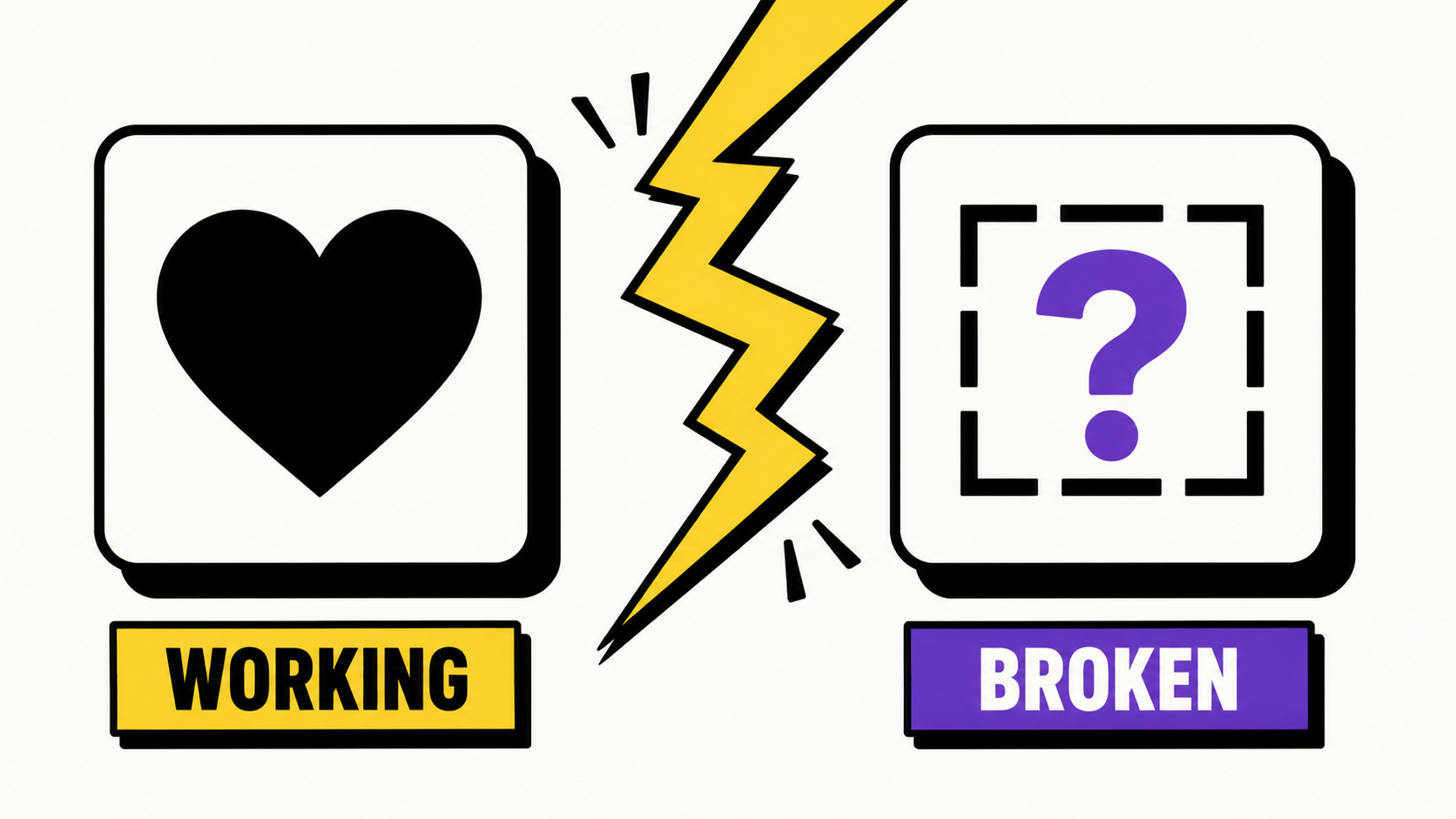
Every character you see on screen — a letter, a heart, a fancy Unicode 'font' — is really just a number under the hood, called a code point. Unicode is the standard that assigns a number to essentially every character used by every writing system in the world, plus thousands of symbols, dingbats and emoji.
The catch is that assigning a number to a character doesn't guarantee anything about how it looks. Drawing the character is the font's job, and no single font on your phone or computer includes every character in Unicode — that would be an enormous file. When a font doesn't have a glyph for a code point, most systems fall back to a generic box, a question mark, or another installed font that does have it.
That's why a symbol that looks perfect in one app can show up broken in another: it's not that the symbol itself is invalid, it's that the font being used to render it doesn't include a drawing for that specific code point.
Fancy text styles — bold, script, gothic and the rest on this site — work the same way. They're not custom fonts; they're real Unicode characters from blocks like Mathematical Alphanumeric Symbols. Because they're standard code points, they generally have very good support across modern iOS, Android, Windows and major apps. Older devices or very obscure symbols are more likely to hit gaps.
A few practical tips: stick to widely-used symbol blocks (the ones featured on this site are chosen for broad support), test how something looks on the actual platform you're posting to before committing to it in, say, a permanent username, and if a character shows as a box for you, try it on another device before assuming it's broken everywhere.
This is also why Cyrillic text needs special handling. Unicode's decorative alphabets — the ones behind styles like Bold or Script — were only ever defined for Latin letters. There's no 'bold Cyrillic Ж' hiding in the Unicode standard waiting to be mapped. Rather than corrupt or drop Cyrillic characters when a style can't transform them, GlyphDrip leaves them exactly as typed.
Frequently asked questions
Is the symbol broken, or is it my device?
Almost always your device — or more precisely, the font it's using. The symbol's underlying code point is fine; a box or question mark means the active font has no drawing for that specific character. Try the same symbol on another device before assuming it's invalid.
Why do fancy fonts work but some obscure symbols don't?
The styles on this site pull from Unicode blocks chosen for broad support across modern iOS, Android and Windows. Rarer symbols from more obscure blocks are more likely to fall outside what a given font actually implements, especially on older devices.
How do I test a symbol before using it as a username?
Paste it into the actual platform you're posting to and check it there, ideally on more than one device — an emulator or your own second phone if you have one. A symbol that renders perfectly in a browser tab isn't a guarantee it'll render the same way inside a specific app's font stack.