2026-02-03
How to Type Fancy Text on iPhone and Android Right Now
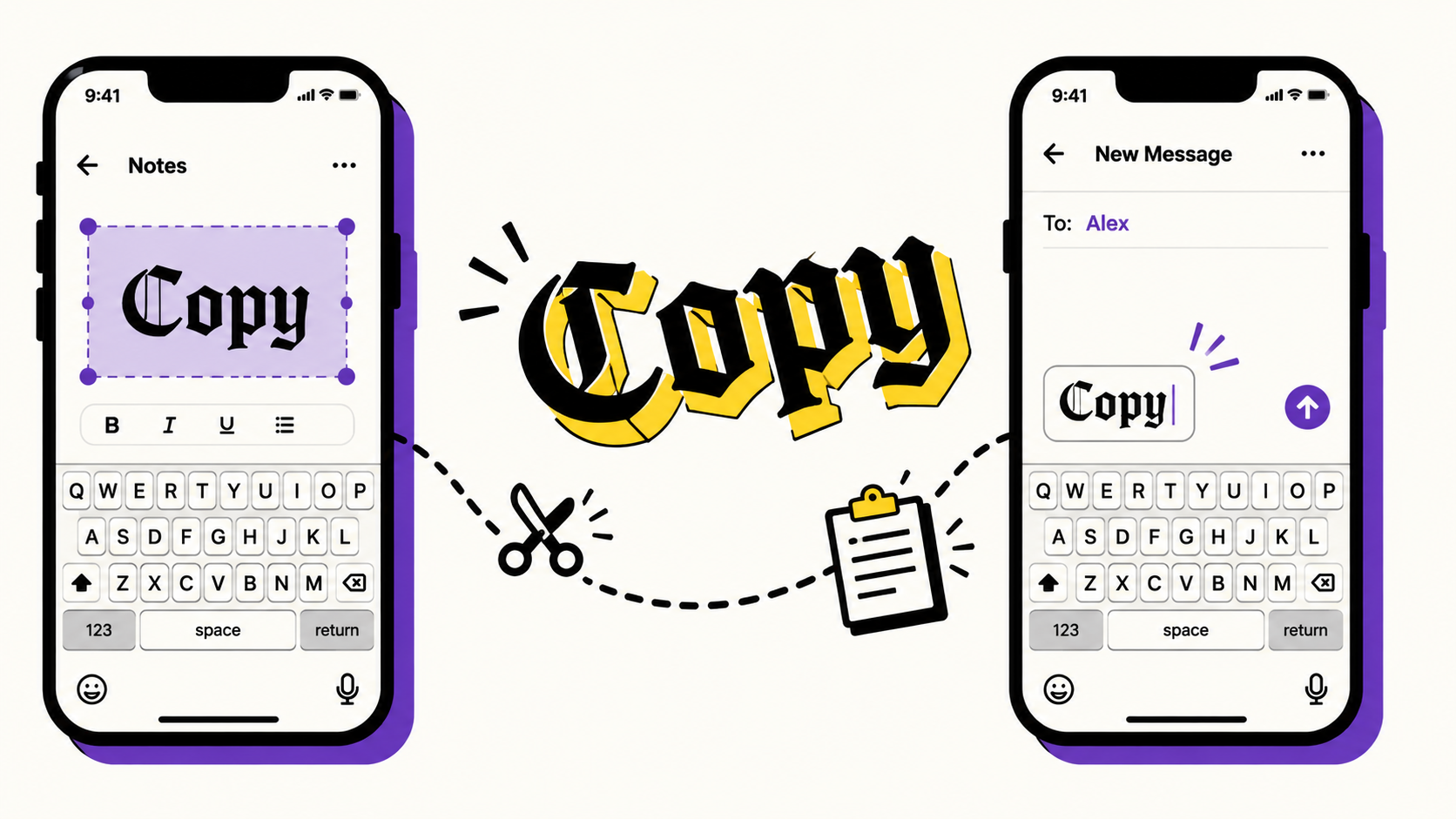
Neither iOS nor Android ships a built-in way to make text bold, cursive or gothic outside of apps that specifically support rich formatting — which most bio fields, captions and usernames don't. The workaround that actually works everywhere is copy and paste, because fancy text styles are just Unicode characters, not formatting.
On both platforms, the fastest current flow is: open a fancy text generator (this site works fine as a browser tab or, better, add it to your home screen), type your text, tap Copy on the style you want, then switch to the app you're posting in and paste. That's it — no font installation, no settings changes, because there's genuinely nothing to install. The style is already 'baked into' the characters themselves.
A couple of details that trip people up: first, once you paste styled text into a field with its own character limit (like an Instagram username, which is stricter than the bio), it may get rejected even though it looks like normal text — that's the app enforcing its own allowed character set, not a bug in the text. Second, if a character shows up as a box or a question mark on someone else's device, it usually means the font that app is using on their specific phone doesn't include a drawing for that character — the underlying text is still correct, it's a rendering gap on their end.
If you paste into a note-taking app first (or your phone's default Notes/Keep app), you can build a small personal library of your favorite styled phrases and reuse them instantly, without regenerating them each time.
The copy-paste flow is genuinely fine for occasional use, but it does mean leaving whatever app you're in every time. A dedicated keyboard extension — inserting styled text directly from the keyboard you're already typing on, without switching apps — removes that step entirely, which is exactly the gap the GlyphDrip keyboard is being built to close.
Frequently asked questions
Why did my styled text get rejected in a username field?
Some fields — usernames especially — enforce their own stricter allowed character set than bios or captions do. The app is filtering the characters, not detecting a bug; if a field rejects styled text, that field simply doesn't accept anything outside plain Latin letters and digits.
Why does a character show as a box on someone else's phone?
It means the font their device is using doesn't include a drawing for that specific character. The underlying text is still correct — it's a rendering gap on their end, not a broken paste. See our post on why some symbols don't show up for the full explanation.
Do I need to download a font to use fancy text?
No. Every style is a real Unicode character, not a custom font — the style is baked into the character itself, so it displays correctly in any app the moment you paste it, with nothing to install.