2026-02-18
ASCII vs Unicode: What's the Difference?
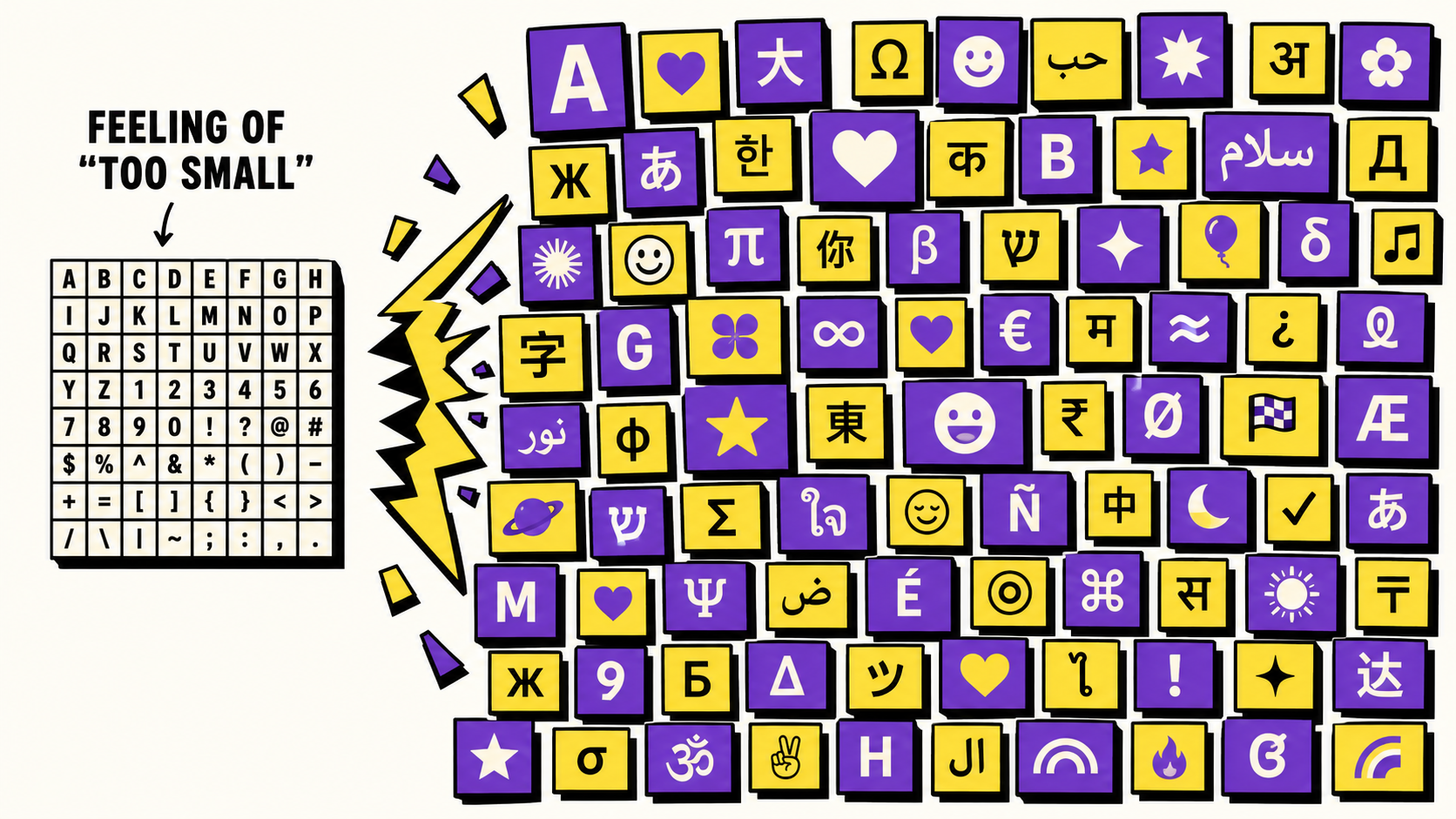
ASCII (American Standard Code for Information Interchange) is a 1960s standard that assigns a number from 0 to 127 to English letters, digits, basic punctuation and a handful of control signals like "tab" and "line feed." 128 values is small enough to fit in 7 bits, which is exactly why ASCII could do its job on the limited hardware of its era — but it's also why ASCII has no way to represent an accented letter, a currency sign like ₴, an emoji, or a single character from Cyrillic, Arabic, Chinese or any other non-English writing system.
Unicode was created to fix that ceiling. Instead of 128 possible values, Unicode currently defines over 149,000 characters, covering essentially every writing system in active or historical use, plus symbols, technical notation and emoji. Critically, Unicode's first 128 code points are defined to be identical to ASCII — code point 65 is capital A in both standards. That means every valid ASCII file is already valid Unicode; ASCII isn't a competing standard, it's a small, frozen starting corner of a much bigger one.
The practical difference shows up the moment you leave that first 128. Save a document as "ASCII" and type a Ukrainian word or an emoji into it, and something has to give — either the character gets replaced with a placeholder (often a question mark or box), or the save simply fails. Save the same document as UTF-8 (the dominant way Unicode is encoded on the modern web), and it round-trips perfectly, because UTF-8 was designed to represent the entire Unicode range.
This is also why our own text-transform tools behave the way they do with Cyrillic input. Styles like Bold or Script work by substituting each letter for a lookalike character from a specific Unicode block — and those blocks were only ever defined for the Latin alphabet, an ASCII-era design decision that Unicode preserved rather than rewrote. There's no "bold Cyrillic Ж" hiding in Unicode to substitute in. Combining-mark styles like strikethrough and Zalgo don't have this limitation, since combining marks attach to any base character regardless of script — which is exactly why they're the styles that fully support Cyrillic text on this site.
In short: if you're only using English letters, digits and basic punctuation, ASCII and Unicode look identical. The difference only becomes visible the moment your text needs to say something ASCII was never built to say.
Frequently asked questions
Is UTF-8 the same as Unicode?
Not quite — Unicode is the standard that assigns a number to every character. UTF-8 is one specific way to store those numbers as bytes. It's the dominant encoding on the modern web because it can represent the entire Unicode range while staying byte-for-byte identical to ASCII for the first 128 characters.
Why does my Cyrillic text stay unchanged in some font styles?
Styles like Bold or Script substitute Latin letters for lookalike characters from a Unicode block that was only ever defined for the Latin alphabet — an ASCII-era design choice Unicode preserved. There's no equivalent block for Cyrillic, so those styles leave Cyrillic input exactly as typed instead of corrupting it.
Does ASCII still matter today?
Yes, indirectly — it's the historical foundation every modern encoding builds on. File formats, protocols and programming languages still rely on the first 128 Unicode code points behaving exactly like ASCII, which is why ASCII compatibility was a hard requirement when Unicode was designed.